Your calendar, tasks and email in one app.
Vera puts your Outlook mail, calendar, tasks and notes side by side on Windows. Works offline. No subscription.
One-time purchase · 14-day refund
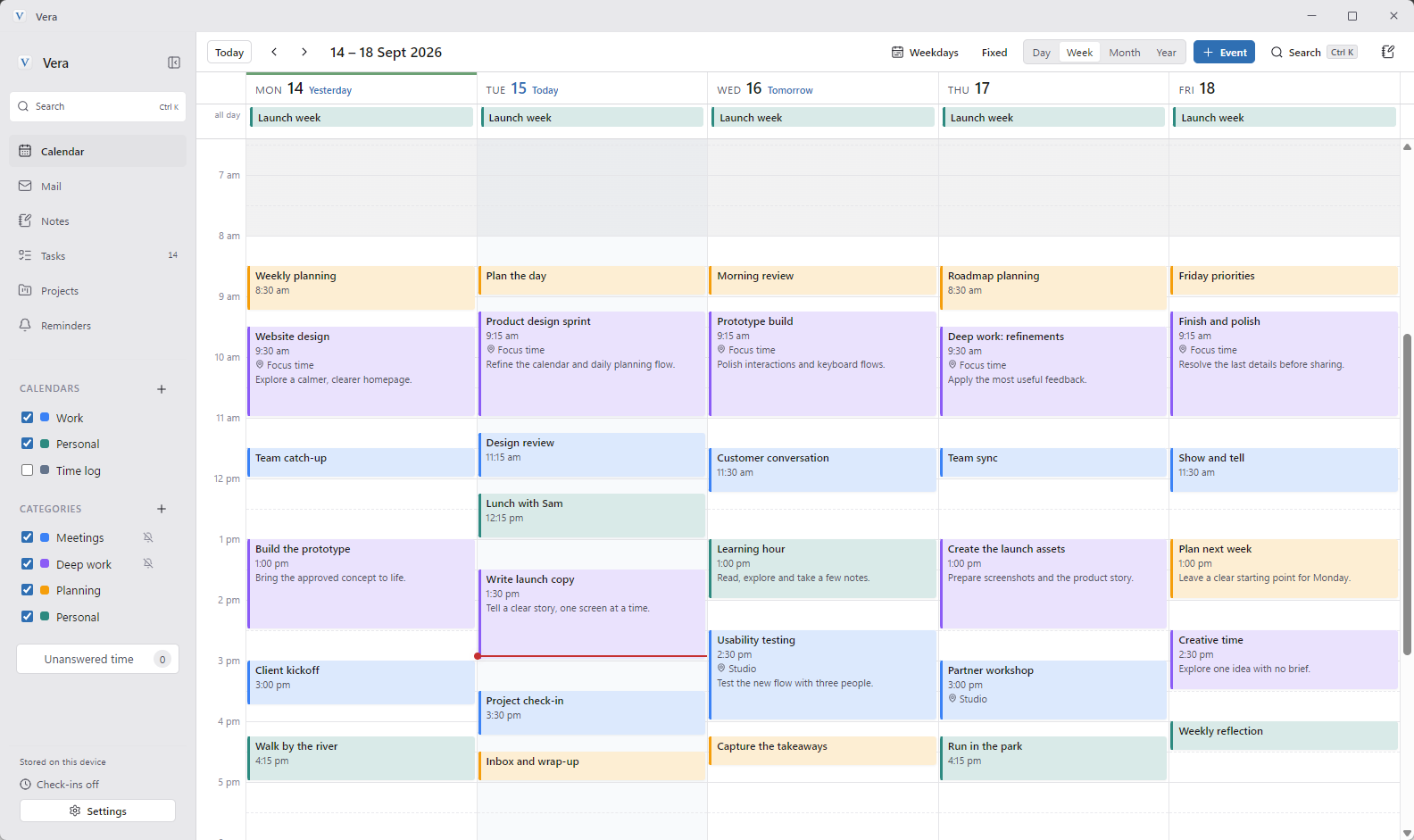
- Monday, Weekly planning8:30 am
- Monday, Website design9:30 am
- Monday, Team catch-up11:30 am
- Monday, Build the prototype1:00 pm
- Tuesday, Plan the day8:30 am
- Tuesday, Product design sprint9:15 am
- Tuesday, Lunch with Sam12:15 pm
- Tuesday, Write launch copy1:30 pm
- Wednesday, Customer conversation10:00 am
- Wednesday, Learning hour11:30 am
- Wednesday, Usability testing1:00 pm
- Thursday, Deep work: refinements9:30 am
- Thursday, Team sync11:30 am
- Thursday, Partner workshop1:30 pm
- Friday, Friday priorities8:30 am
- Friday, Finish and polish10:00 am
- Friday, Walk by the river2:30 pm
Why Vera
-
One app, not six
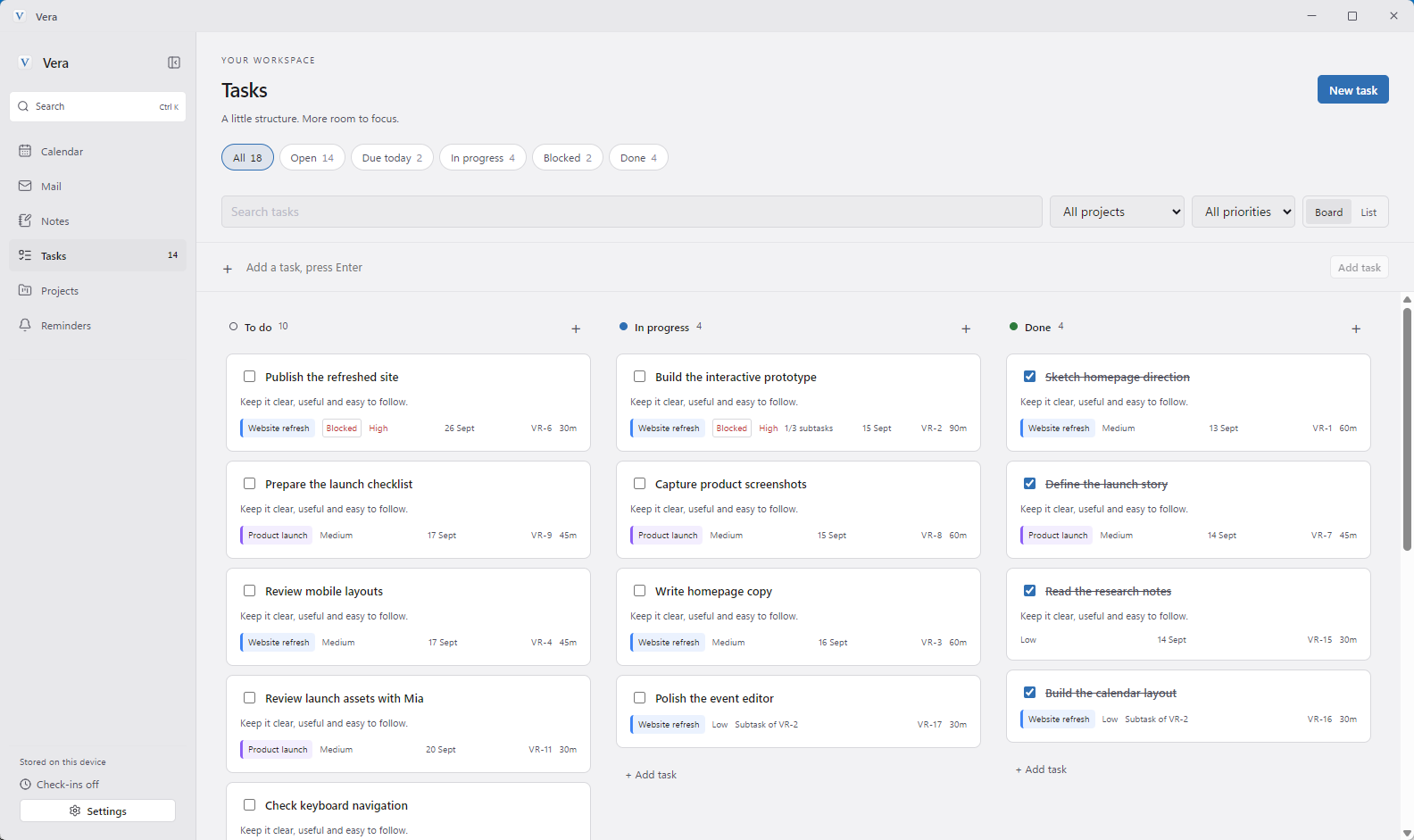
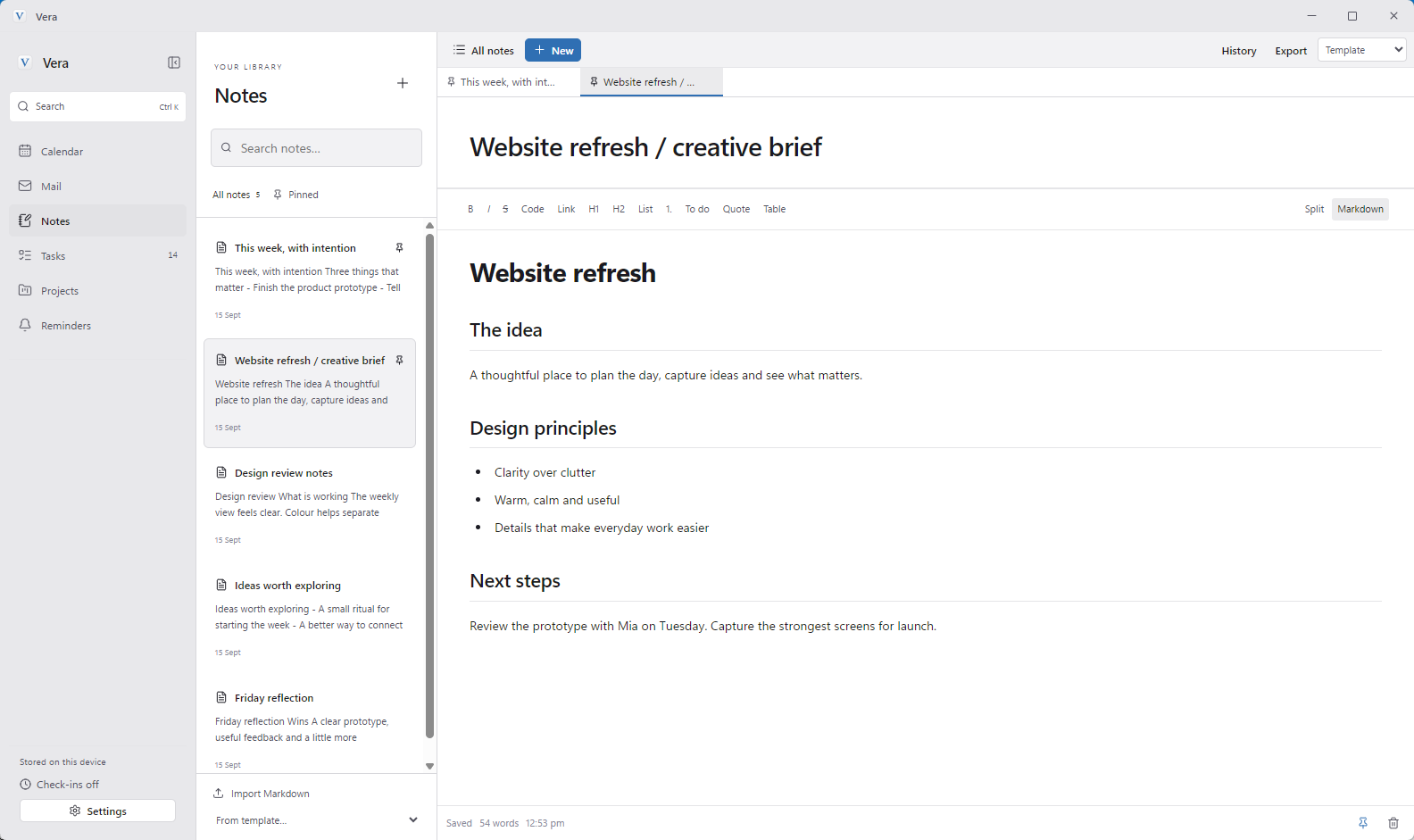
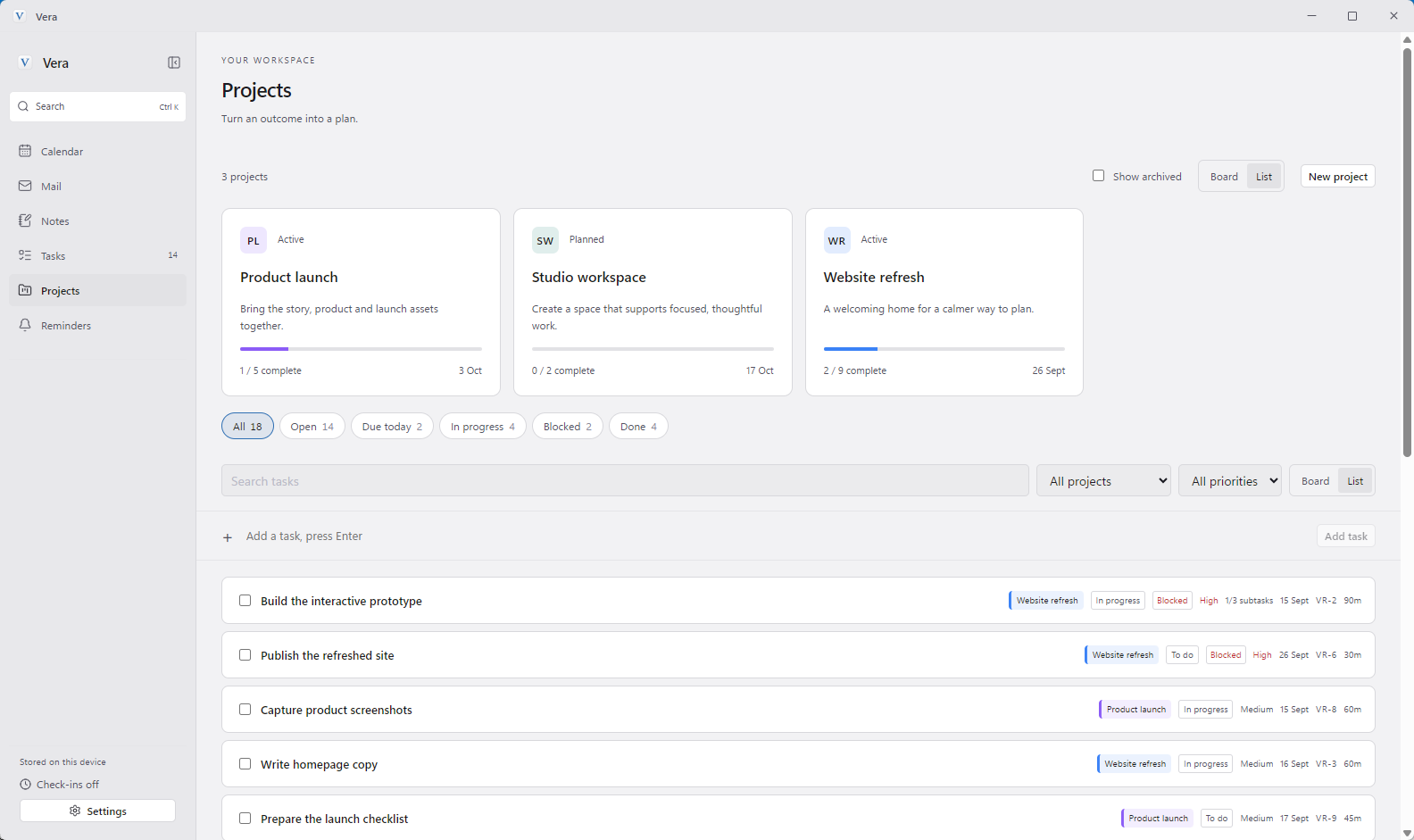
Calendar, mail, tasks, notes, projects and reminders in one window. Stop jumping between apps.
-
Email becomes a plan
Add any email to your calendar, tasks, reminders or notes, right from the inbox.
-
Private and offline
No Vera account. Your workspace stays on your PC and works without internet.
-
Pay once
$9.99 AUD, no subscription. Bug fixes and minor updates are free.
Take a look
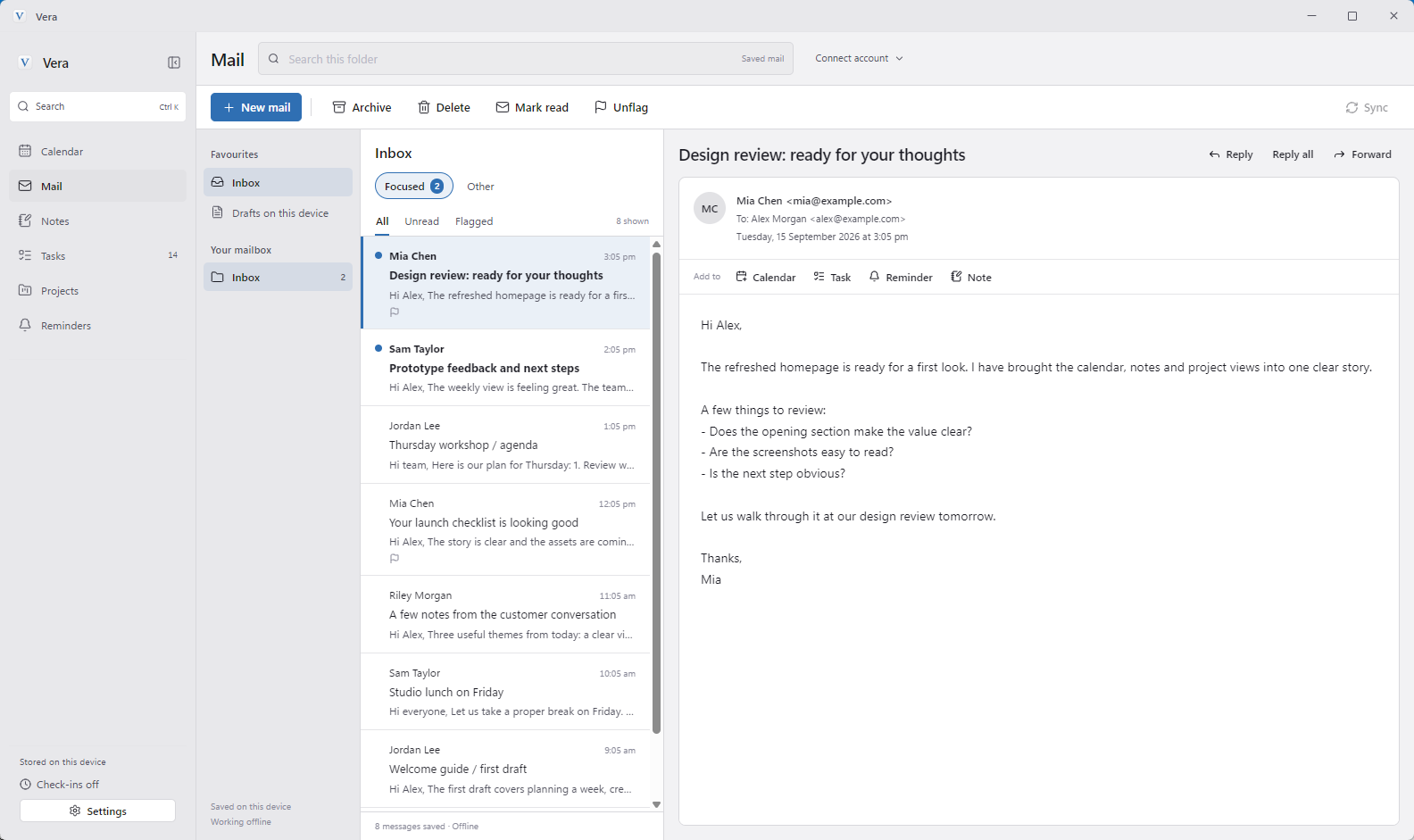
17 themes. Pick one.
Click a colour to restyle this page.
Get Vera for $9.99 AUD.
One payment, yours to keep. Not for you? Refund within 14 days.